Education Tools
Building SignalCalc: A Free Scientific Calculator Toolkit for Students
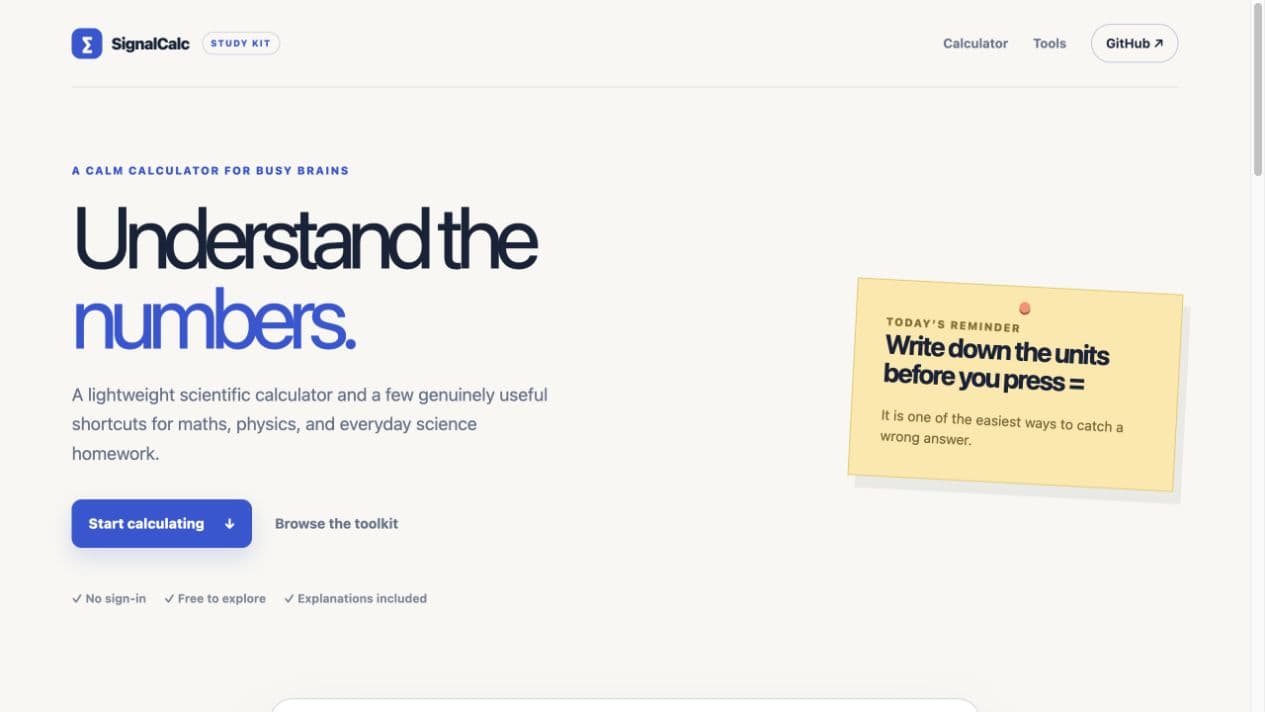
SignalCalc started as an old calculator MVP. I wanted to finish it without turning it into a bloated learning platform, so the project became a focused scientific calculator with a few genuinely useful helpers for school maths and physics.
Reading note
A clearer write-up of the product thinking, system choices, and tradeoffs behind the build.
In this post
The best calculator is the one that helps you check your setup before you trust the answer.
Start With The Familiar Shape
The first redesign lesson was visual. A calculator should look like a calculator. The finished interface uses a traditional scientific layout: a clear display, degree and radian mode, inverse functions, grouped scientific keys, a numeric keypad, and a distinct equals key. Familiarity matters because students should spend their attention on the problem, not on learning a new interface.
Useful Shortcuts, Not A Huge Platform
The toolkit includes four small helpers: density, speed, Ohm’s law, and quadratic roots. Each one asks for the values a student is likely to know, shows the formula in plain language, and keeps the units beside the inputs and result. That makes the tool useful for checking work without pretending that a result is the same thing as understanding.
- Density: mass ÷ volume.
- Speed: distance ÷ time.
- Ohm’s law: current = voltage ÷ resistance.
- Quadratic roots: the standard formula for ax² + bx + c = 0.
Keep The Product Small On Purpose
SignalCalc is free, public, hosted, and does not require an account. The calculator runs with a safe local expression parser, and the mobile MVP keeps history and memory on the device. There is no backend, subscription, analytics layer, or AI assistant competing for attention.
That restraint is the point of the project. A student tool does not need to be a platform before it is useful. It needs clear controls, sensible feedback, accessible writing, and enough explanation to help someone spot a wrong unit, sign, or angle mode.
Try It
SignalCalc is available as a hosted study tool and remains open source as a small portfolio project. The next improvements should be driven by real student use rather than by adding every feature a scientific calculator can possibly have.